
APKMirror Installer (Official)
Screenshots
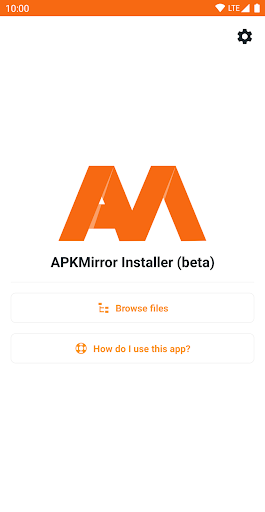
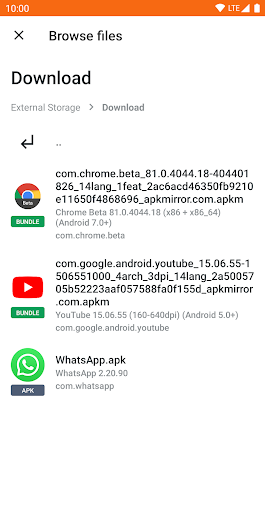
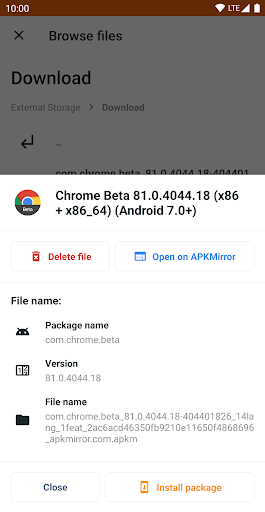
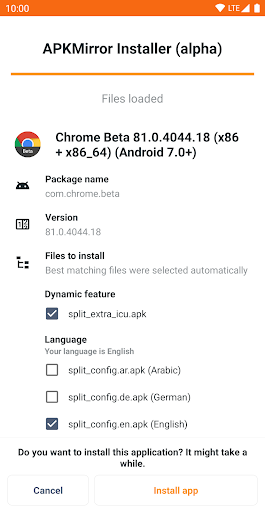


Features of APKMirror Installer (Official)
Secure and Reliable APK Downloads
APKMirror Installer (Official) ensures that you can safely download and install APK files from APKMirror with peace of mind. The app provides a secure environment for all your app installation needs.
Easy Navigation and User-Friendly Interface
Navigate through the vast collection of apps effortlessly with the intuitive interface of APKMirror Installer (Official). The app offers a user-friendly experience, making it easier than ever to find and install your favorite applications.
Regular Updates for Enhanced Performance
Stay up-to-date with the latest app versions and bug fixes by using APKMirror Installer (Official). The app automatically notifies you when updates are available, ensuring optimal performance for all your installed apps.
Tips
📱 Simplify APK installations.
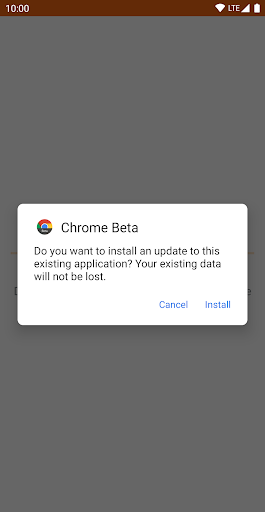
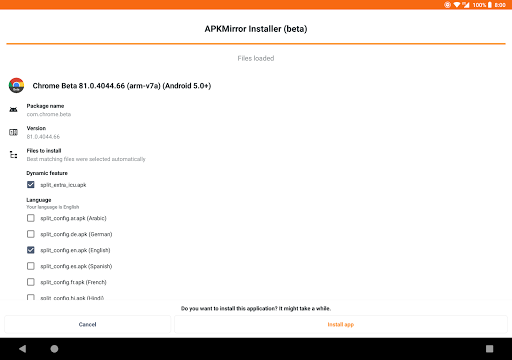
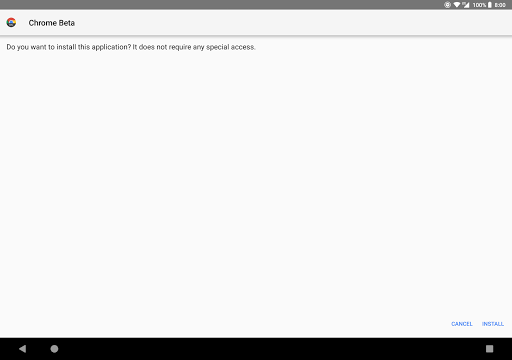
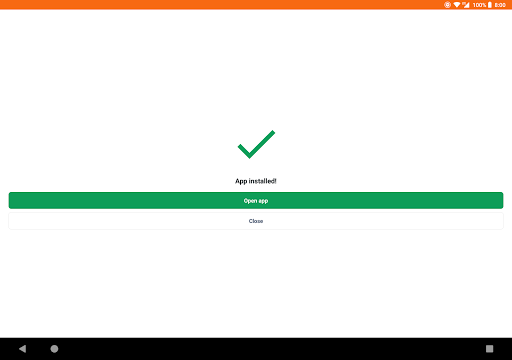
APKMirror Installer (Official) streamlines the process of installing various Android file formats, including .apkm, .xapk, .apks, and standard APK files, making it easier to manage app installations on your device.
🔍 Diagnose installation failures.
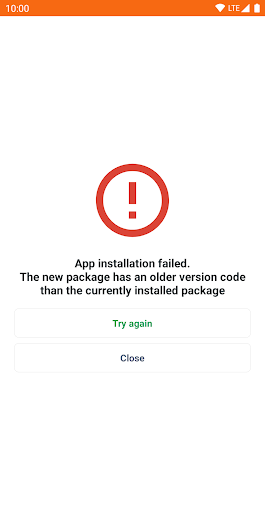
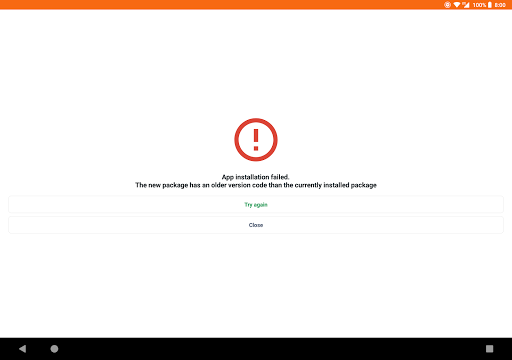
If you encounter issues while sideloading APKs, APKMirror Installer helps you understand the exact reasons for installation failures, enhancing your troubleshooting capabilities.
💾 Optimize storage space.
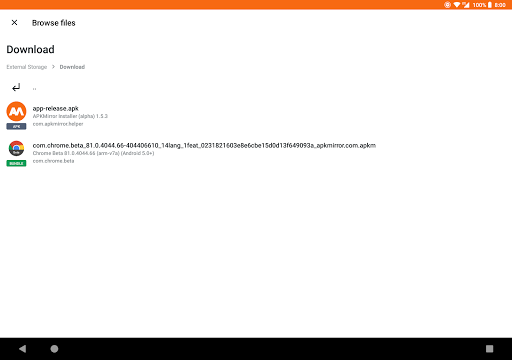
By allowing you to view and selectively install components of .apkm files, the app ensures efficient use of your device’s storage, letting you choose only the necessary parts of an app to install.
Pros & Cons
- Supports multiple file formats for installation
- Provides detailed reasons for APK installation failures
- Enables selective installation of app components
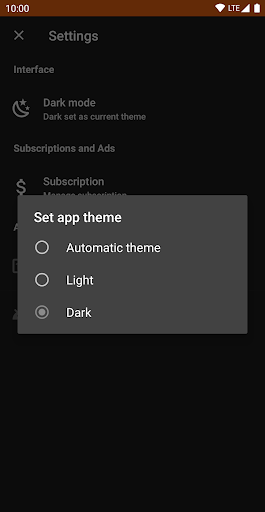
- Ad-supported with options for ad-free subscriptions
FAQ
Can APKMirror Installer install all types of APK files?
Yes, it can install .apkm, .xapk, .apks, and regular APK files, including split APKs from App Bundles.
Is APKMirror Installer suitable for all Android devices?
While it works with most Android devices, some modified systems like Xiaomi's MIUI may require additional settings adjustments for optimal functionality.